You can edit several products at the same time by using the bulk edit feature or importing the new data as a CSV file.
Bulk edit products
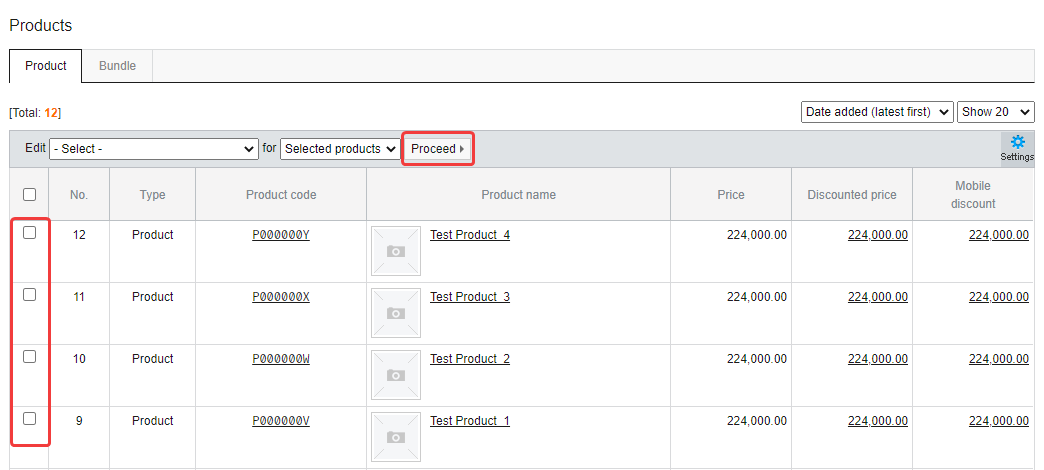
1. Go to [Products>Products>Bulk edit product data] on your admin page.
2. After choosing the products you want to bulk edit, choose the information you want to change and click [Proceed].
Import CSV
1. Search for the products you want to edit.
2. Choose the products you want to edit and click [Export as CSV].
3. In the [Export as CSV] window, create a password for your CSV file and click [Create CSV]. Click [Download] to download the CSV file.
4. Open the CSV file and edit your product data.
• You cannot change the product codes.
5. Go to [Products>Add products>Import>Add products (Tab>)] and click [Choose file] next to [Upload CSV file]. Select your edited CSV file and upload it.